Starlit Print Studio
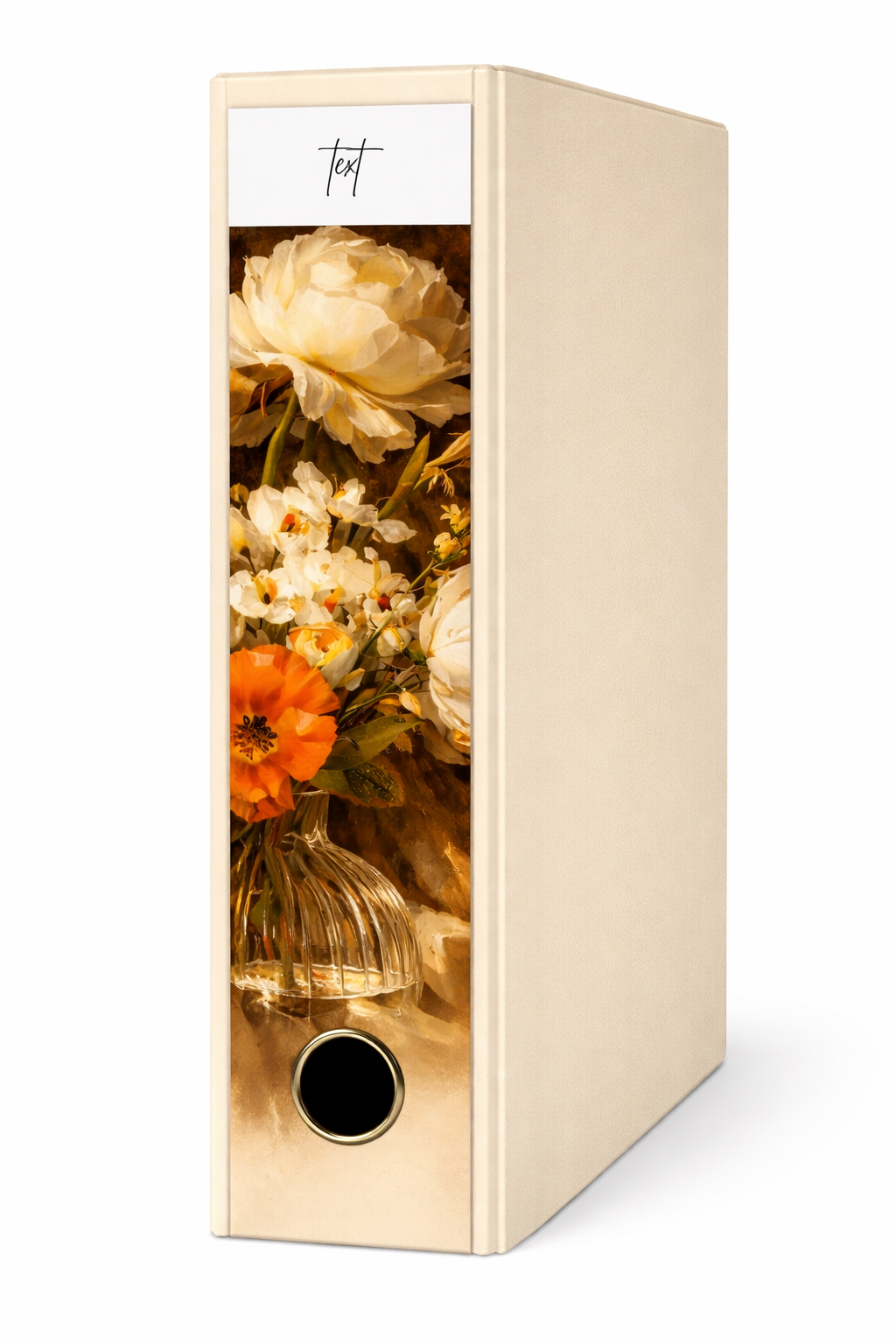
Golden Hour Boom Binder Spine Cover
Golden Hour Boom Binder Spine Cover
Couldn't load pickup availability
Transform your space in minutes — no waiting, no shipping.
✔ Instant download ✔ No shipping required✔ Print at home or professionally✔ Reuse unlimited times
Share
Golden Hour Bloom Binder Spine Cover – Canva Template
Bring warmth and timeless elegance to your workspace with the Golden Hour Bloom binder spine cover. Featuring rich, golden-toned florals inspired by classic still-life paintings, this design transforms everyday organization into something beautifully curated.
Perfect for home offices, creative studios, or anyone who loves a soft, aesthetic space, this fully editable Canva template makes it easy to create binders that feel both functional and luxurious.
✨ What You’ll Love
- Fully editable in Canva (free account compatible)
- High-resolution design for crisp, professional printing
- Fits standard binder spine sizes
- Instant download – start customizing in minutes
- Elegant floral aesthetic inspired by timeless still-life art
Turn ordinary folders into statement pieces and create a workspace that feels calm, curated, and uniquely yours.
How to Use Your Golden Hour Bloom Binder Spine Cover
-
Download Your File
After purchase, you’ll receive a PDF with a link to your Canva template. -
Open in Canva
Click the link and open the design in your Canva account (free or Pro). -
Customize Your Text
Edit the binder labels with your own titles—subjects, categories, or project names. -
Adjust Size if Needed
Easily resize the spine to fit your binder (A4, A5, or custom sizes) using Canva’s resize tool. -
Download Your Design
Once you're happy, download your file as a PDF Print for best quality. -
Print Your Spine Cover
Print at home or at a local print shop on high-quality paper or cardstock. -
Trim & Insert
Cut along the edges and slide the design into your binder spine sleeve.
✨ Tip: For the most polished look, use slightly thicker paper and ensure your printer is set to high-quality settings.